
NAudio 3 Effects Framework
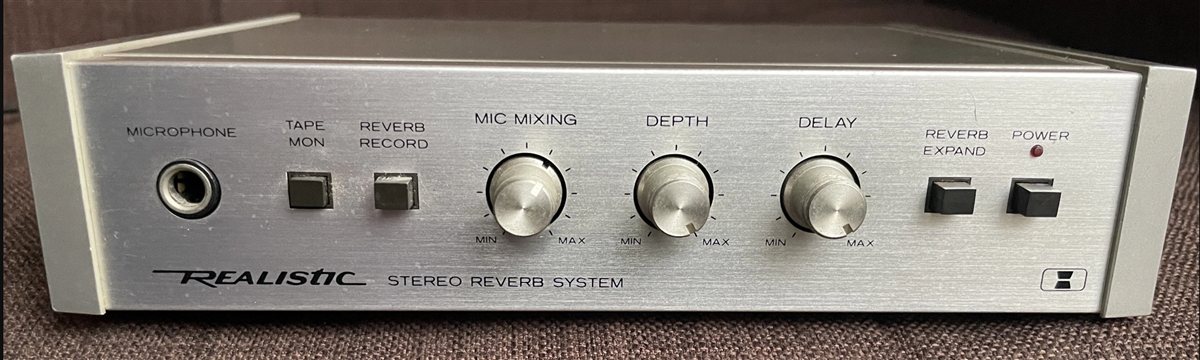
I've always been fascinated with audio effects, ever since I got my first "effects unit" - a "Realistic Reverb" from Radio Shack/Tandy.
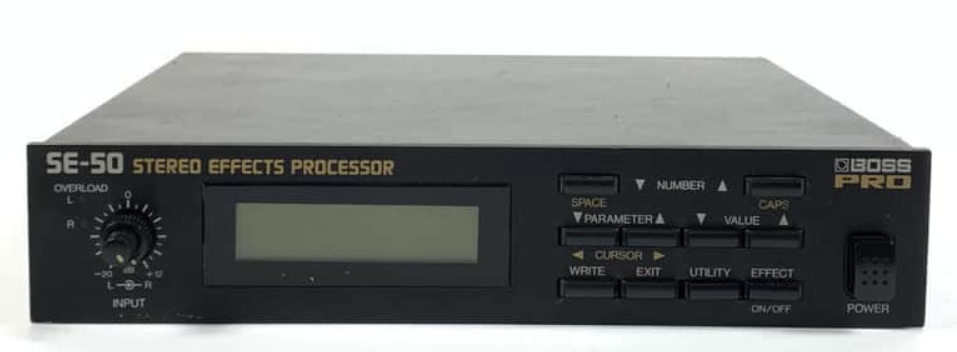
That was shortly followed by my first digital multi-effects unit - the BOSS SE-50.
And so it was only natural that when I created NAudio I wanted to make it possible to code your own effects.
In earlier versions of NAudio, there were only a few simple effects included in the library, mostly because my DSP skills are too limited to write many of my own, but also because several open source effects I did port to C# were license-incompatible and so never made it into the NAudio library itself.
However, as I've been modernizing and updating NAudio with assistance from Claude Code, I decided that it was long overdue to put in a proper effects framework, that includes both interface definitions for extending and a small library of built-in effects.
IAudioEffect
NAudio already has an interface called ISampleProvider which is designed to make it as simple as possible to implement your own effects, by presenting each sample as a float. This makes it trivially easy to create a custom ISampleProvider implementation, and in the Read method, write your own DSP code that manipulates those samples.
However, in NAudio 3, I wanted to take it a step further and have introduced a new base interface IAudioEffect. This has a Process method where you can modify the contents of a Span<float>, but it also includes a Reset method, allowing effects like delays to reset their internal state, as well as giving effects the ability to report how many samples of latency they introduce.
NAudio 3 also supplies a simple EffectSampleProvider that applies an IAudioEffect to an ISampleProvider, but more usefully, it includes an EffectChain allowing you to chain together multiple effects and even manipulate the order or add and remove effects during playback.
The Effects Library
I wanted to ship NAudio 3 with a useful set of "bread and butter" effects, and this was something that AI greatly accelerated, giving me a broad range of the most common effects including Delay, Reverb, Compression, EQ (based on the equalizer that was part of NAudio 2), Saturation, Gate, and several more.
Each effect inherits from AudioEffect which adds some more useful capabilities such as a click-free bypass and a dry-wet mix.
These effects should be considered "preview" - I've spent some time trying them with guitar, drums and vocals, and everything seems OK, but they may need some refinement in the future.
Effect Parameters
Another common challenge when implementing audio effects is how to deal with parameters. For example, how does an effect report its parameters so that suitable controls can be rendered in the UI? And how should parameter changes be given back to the effect? Often an effect needs to recalculate some internal values when its parameter changes, and you may also want to smooth changes.
NAudio 3 introduces an IParameterized interface allowing effects to optionally report a list of EffectParameter instances. Each parameter can report its name, unit of measure, default value, min and max values and so on. And there is support for continuous, choice and toggle parameters, as well as read-only meters that can be displayed in the UI, such as a gain reduction meter for a compressor effect.
There is also a ParameterSmoother that allows parameters to move smoothly to avoid clicks or other unwanted artifacts when you make a sudden change in a parameter value.
Another potential difficulty is that the UI and the audio playback typically operate on different threads, and so it is possible that a parameter change happens on another thread. The NAudio 3 effect parameters protect you from this, allowing the UI thread to set a new value, without disrupting the variables being used by the playback thread. The updated values are picked up on the next block of audio passed through the effect.
The Test Harness
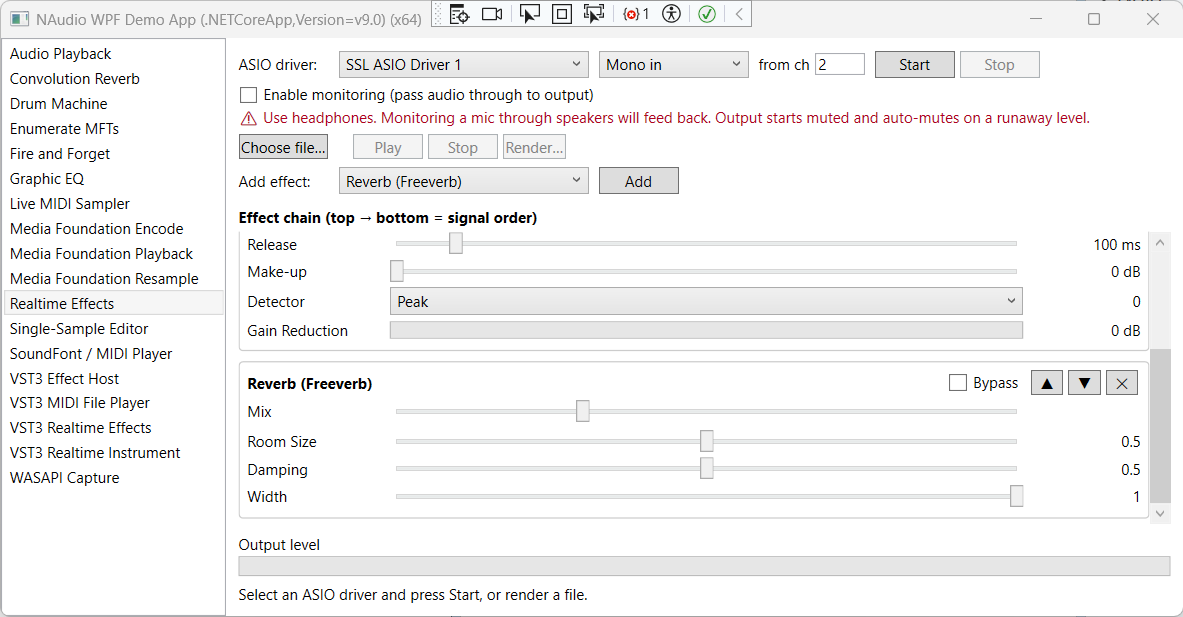
I've also attempted to make it as easy as possible to try out the effects, by adding some capabilities to the NAudioWpfDemo sample application. This includes a Realtime Effects demo, that allows you to set up an effect chain, and either play a pre-existing audio file through it, or capture audio via ASIO and apply effects in real-time, showcasing how NAudio is able to perform effects at very low latencies. The demo also allows you to render an audio file through the effect chain to a WAV file, and adjust effects parameters or even change the effect chain during playback. It's a lot of fun to play around with.
Summary
NAudio 3 has greatly improved support for audio effects, allowing you to easily write your own, or if you prefer, simply take advantage of what's included in NAudio.Core.Effects. You can read the documentation for using the effects framework in NAudio 3 here.
I should mention NAudio 3 is still in preview, but is getting very close to release - I'm doing final testing as well as gathering any last-minute feedback from users about the design of NAudio 3.